
Install Listenarr with Docker Compose
Self-hosted audiobook manager in the *arr style. One Compose file, then point it at your library folder.
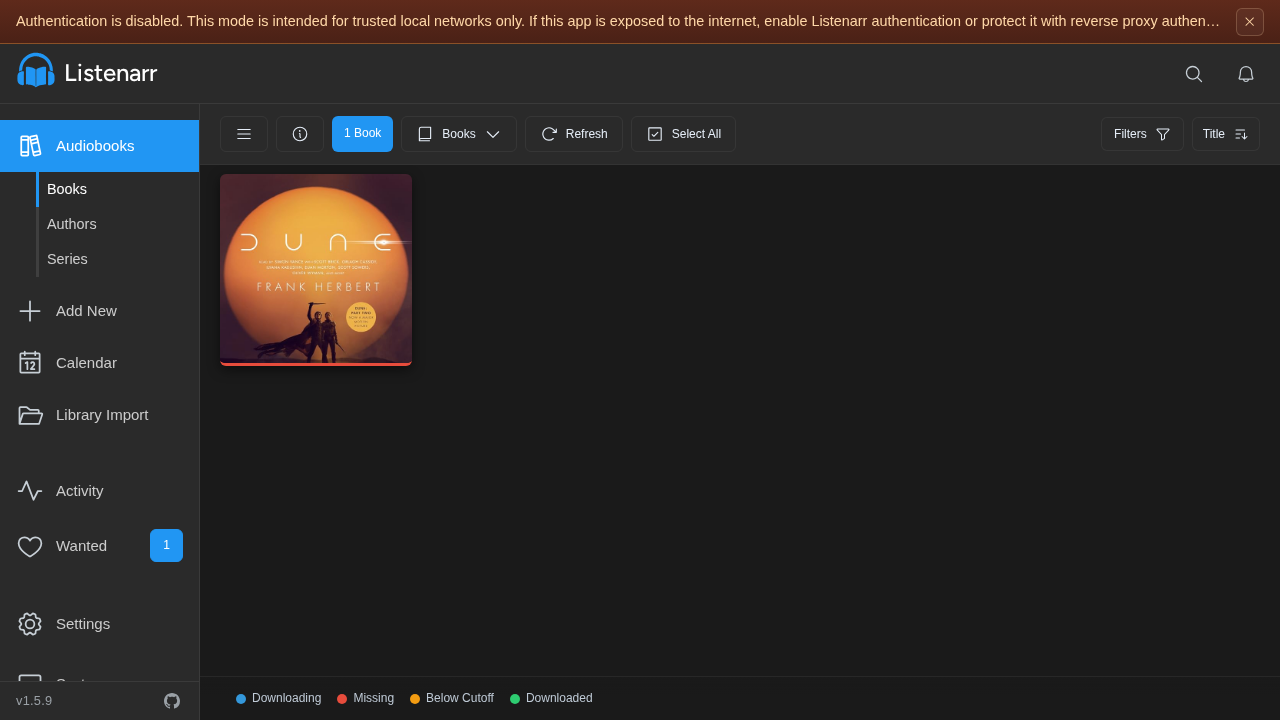
Listenarr is a self-hosted audiobook collection manager. It searches indexers, sends releases to a download client, then imports files into a tidy author/title layout with Audible metadata. This how-to is the path we recorded: Docker Compose on port 4545, then the first-run browser setup.
Source: github.com/Listenarrs/Listenarr
Prerequisites
- Docker Engine with Compose v2
- A free host port (default 4545)
- Two host folders: one for the library, one for downloads
This run used image ghcr.io/listenarrs/listenarr:canary (Listenarr 1.5.9). :canary moves; pin a digest or a canary-1.5.9 tag if you need a freeze.
Install
mkdir -p ~/listenarr/audiobooks ~/listenarr/downloads && cd ~/listenarr
export LA_UID=$(id -u) LA_GID=$(id -g)
services:
listenarr:
image: ghcr.io/listenarrs/listenarr:canary
container_name: listenarr
ports:
- "4545:4545"
environment:
- PUID=${LA_UID}
- PGID=${LA_GID}
- UMASK=022
- LISTENARR_LOG_LEVEL=Information
volumes:
- listenarr_data:/app/config
- ${HOME}/listenarr/audiobooks:/audiobooks
- ${HOME}/listenarr/downloads:/downloads
extra_hosts:
- "host.docker.internal:host-gateway"
restart: unless-stopped
volumes:
listenarr_data:Save that as ~/listenarr/docker-compose.yml, then:
cd ~/listenarr
docker compose config >/dev/null && echo OK
docker compose pull && docker compose up -d
until [ "$(curl -s -o /dev/null -w '%{http_code}' http://localhost:4545/api/v1/system/ready)" = 200 ]; do sleep 2; done
echo READY
Open http://localhost:4545. First run has authentication off. Turn it on before you expose the port.
First-run browser setup
The empty library:
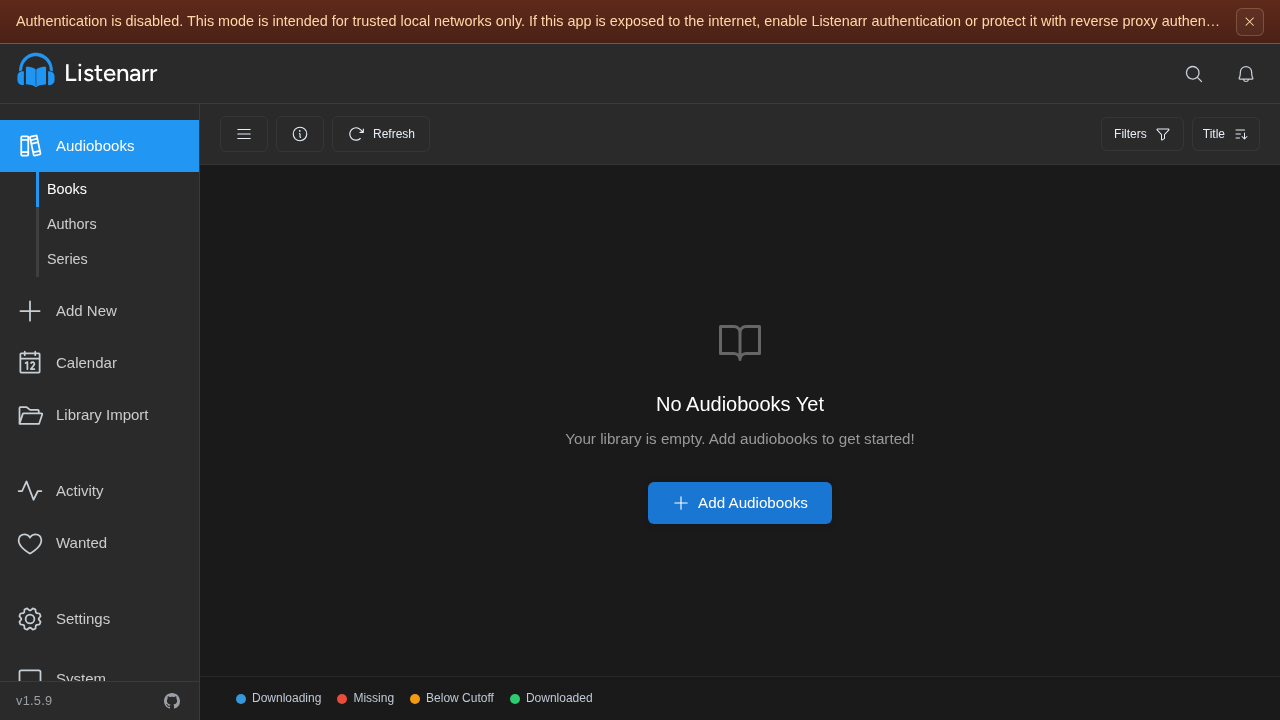
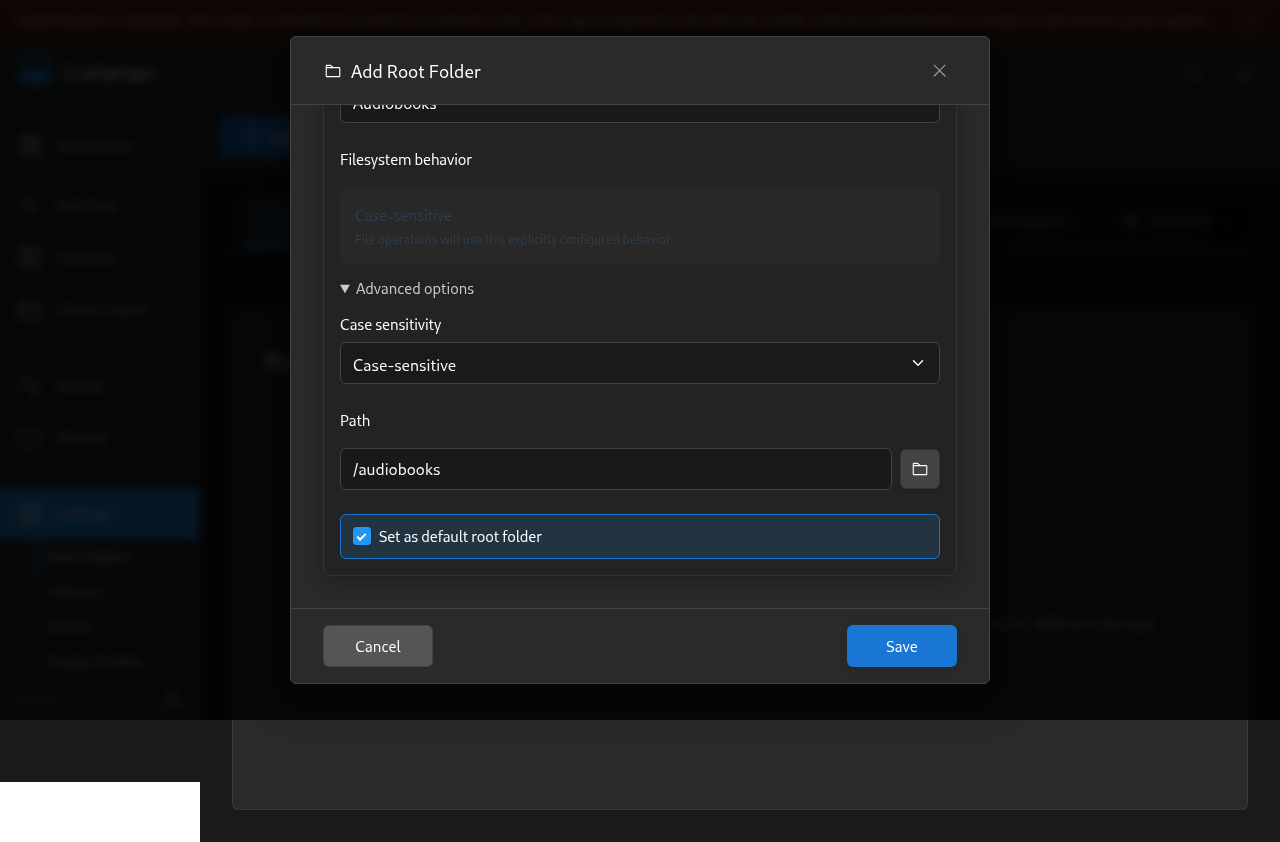
- Settings → Root Folders → Add Root Folder
- Name: Audiobooks - Advanced options → Filesystem behavior: Case-sensitive (Automatic fails on an empty bind mount with HTTP 409) - Path: /audiobooks - Tick Set as default root folder - Save. You should see “Root folder created”.
- Add New → search
Dune→ Execute search. Metadata comes from Audible; no API key. - On the first result, Add to Library. Confirm the destination is
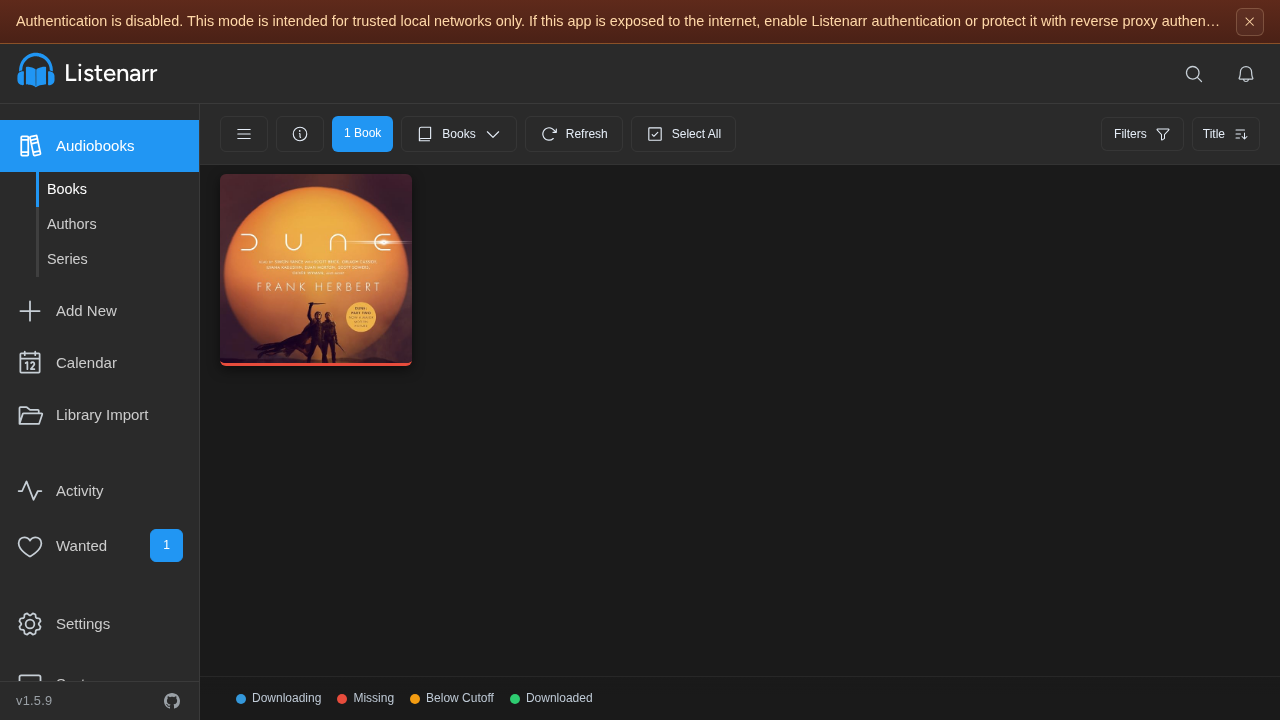
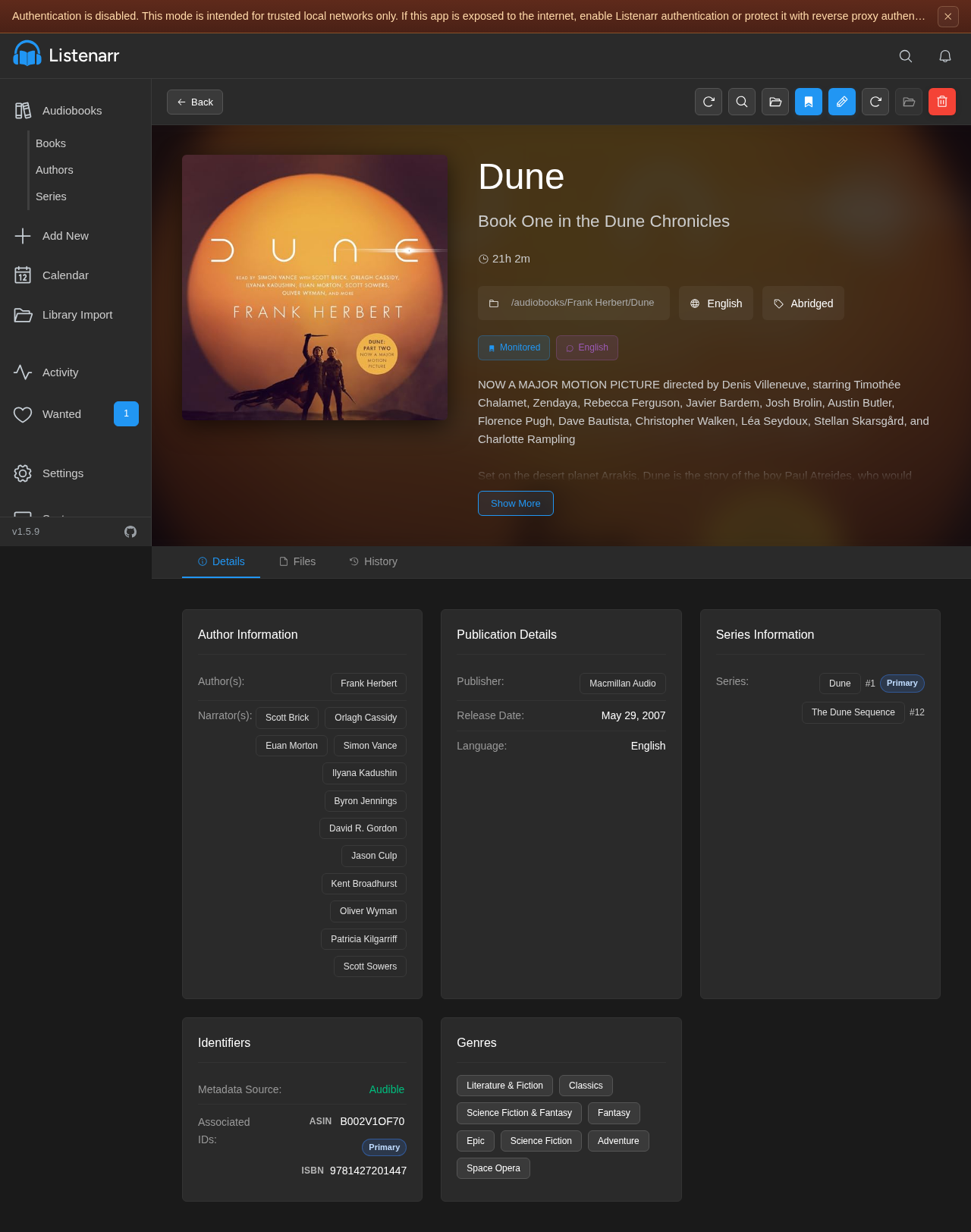
/audiobooks/Frank Herbert/Dune, then add it. - Audiobooks shows the cover card. Click the poster for the detail page (cover, duration, narrators, series, monitored path).
- System should show API Healthy and Audible/Audnexus Connected.
Verify
curl -s -o /dev/null -w '%{http_code}\n' http://localhost:4545/api/v1/system/ready
# 200

curl -s http://localhost:4545/api/v1/configuration/bootstrap
# authenticationRequired: false on a fresh install
Restart should keep the SQLite database:
cd ~/listenarr
docker compose down && docker compose up -d
until [ "$(curl -s -o /dev/null -w '%{http_code}' http://localhost:4545/api/v1/system/ready)" = 200 ]; do sleep 2; done
docker exec listenarr test -f /app/config/database/listenarr.db && echo DB_PERSISTED
Next steps (not in this demo)
- Settings → Indexers and Download Clients (qBittorrent, Transmission, SABnzbd, NZBGet)
- Enable authentication before the host is reachable from outside a trusted LAN
Troubleshooting
| Symptom | Fix |
|---|---|
| Root folder save returns 409 | Set filesystem behavior to Case-sensitive, not Automatic |
Add to Library lands under /app | Tick Set as default root folder on /audiobooks |
| Port already in use | Change 4545:4545 to e.g. 4546:4545 |
Image tag latest missing | Use :canary (or pin a digest) |
| Ready endpoint stays 503 | docker logs listenarr — often ffprobe download; set LISTENARR_AUTO_INSTALL_FFPROBE=false if the host is offline |
Get the Unified Homelab Stack Compose Pack
One-command multi-container Compose files (Full *arr Stack, Prometheus + Grafana + ntfy Monitoring, and Homelab Auth) plus new verified deploys once a week.